Introduction
Login looks trivial, but it is a good place to practice test isolation: before you hit “Sign in”, you must know exactly which user rows exist in the database.
Previous post in this series: Playwright - your first end-to-end tests.
The scenarios below match Login tests with Cypress so you can compare syntax and API usage side by side.
Test cases
Successful login
Preconditions: user exists; start on /login.
Steps: valid email → valid password → Sign in.
Expected: authenticated session, redirect to the home URL.
Incorrect password
Preconditions: user exists; /login.
Steps: valid email → wrong password → Sign in.
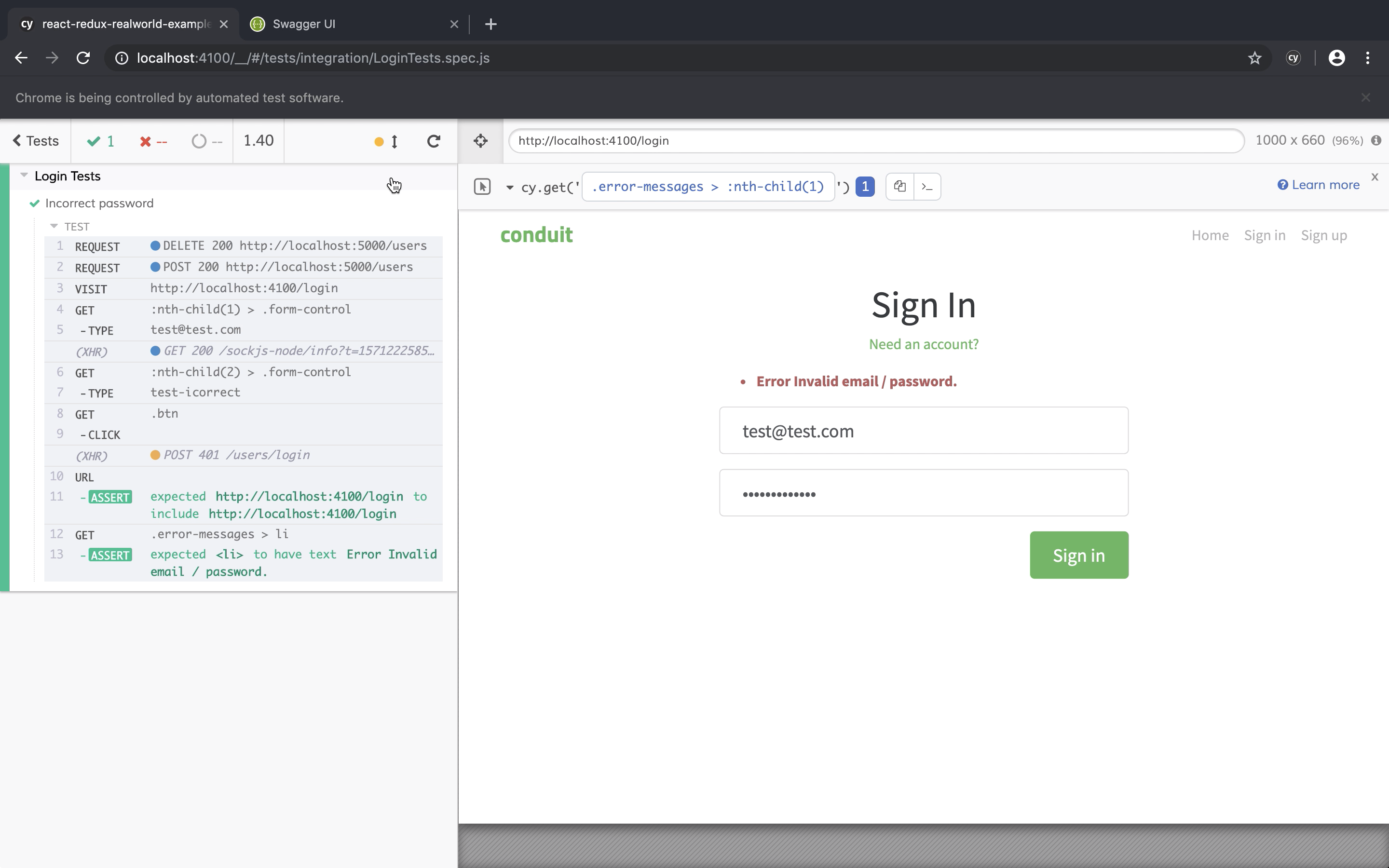
Expected: still on /login, message Error Invalid email / password., fields not cleared.
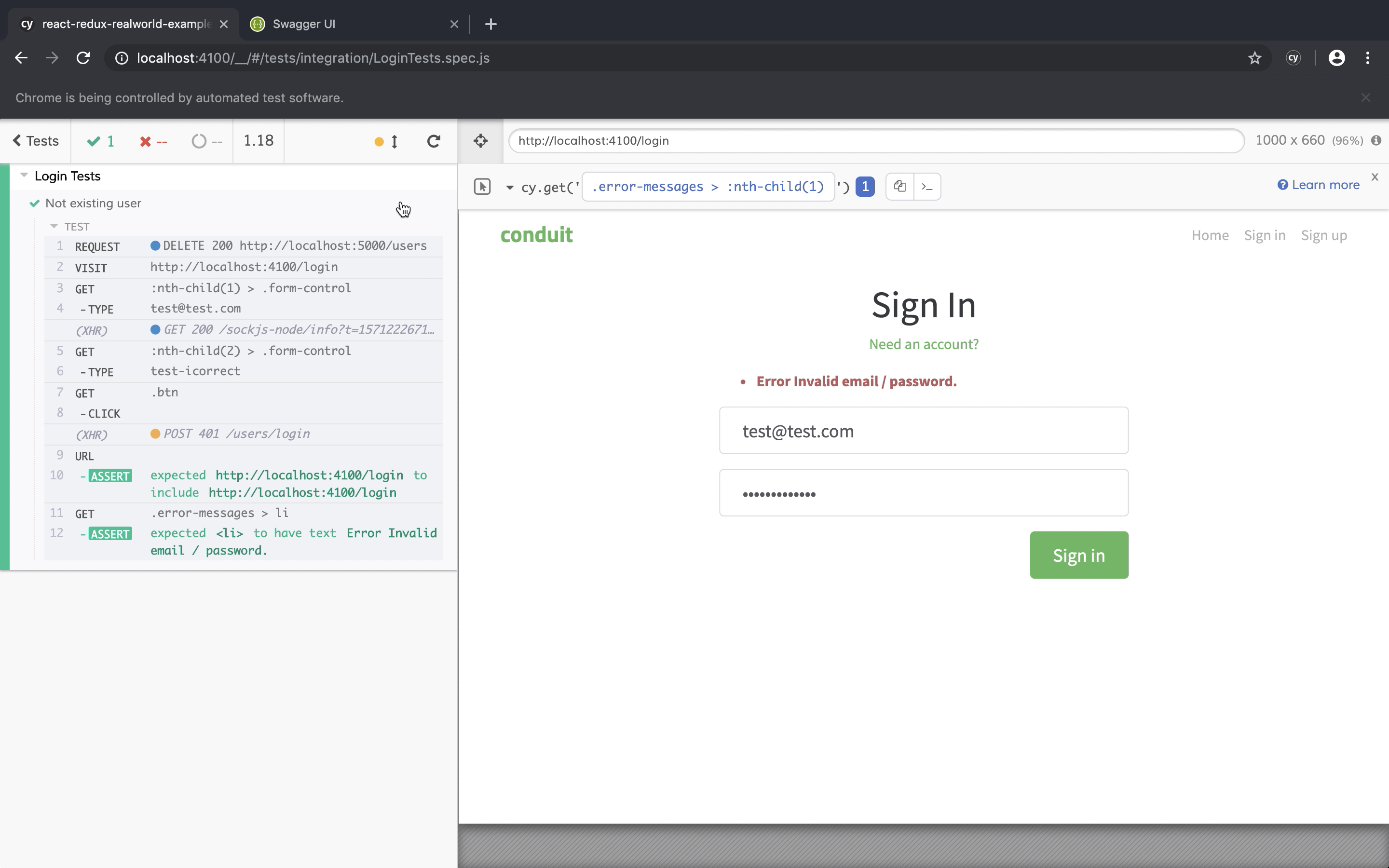
Not existing user
Preconditions: user does not exist; /login.
Steps: email + password → Sign in.
Expected: same error message as invalid credentials.
Empty fields
Preconditions: /login.
Steps: click Sign in with empty fields.
Expected: field validation; remain on /login.
Configuration
Set the frontend baseURL in playwright.config.ts (see playwright-1). The ASP.NET API stays at http://localhost:5000 - different origin than the UI baseURL.
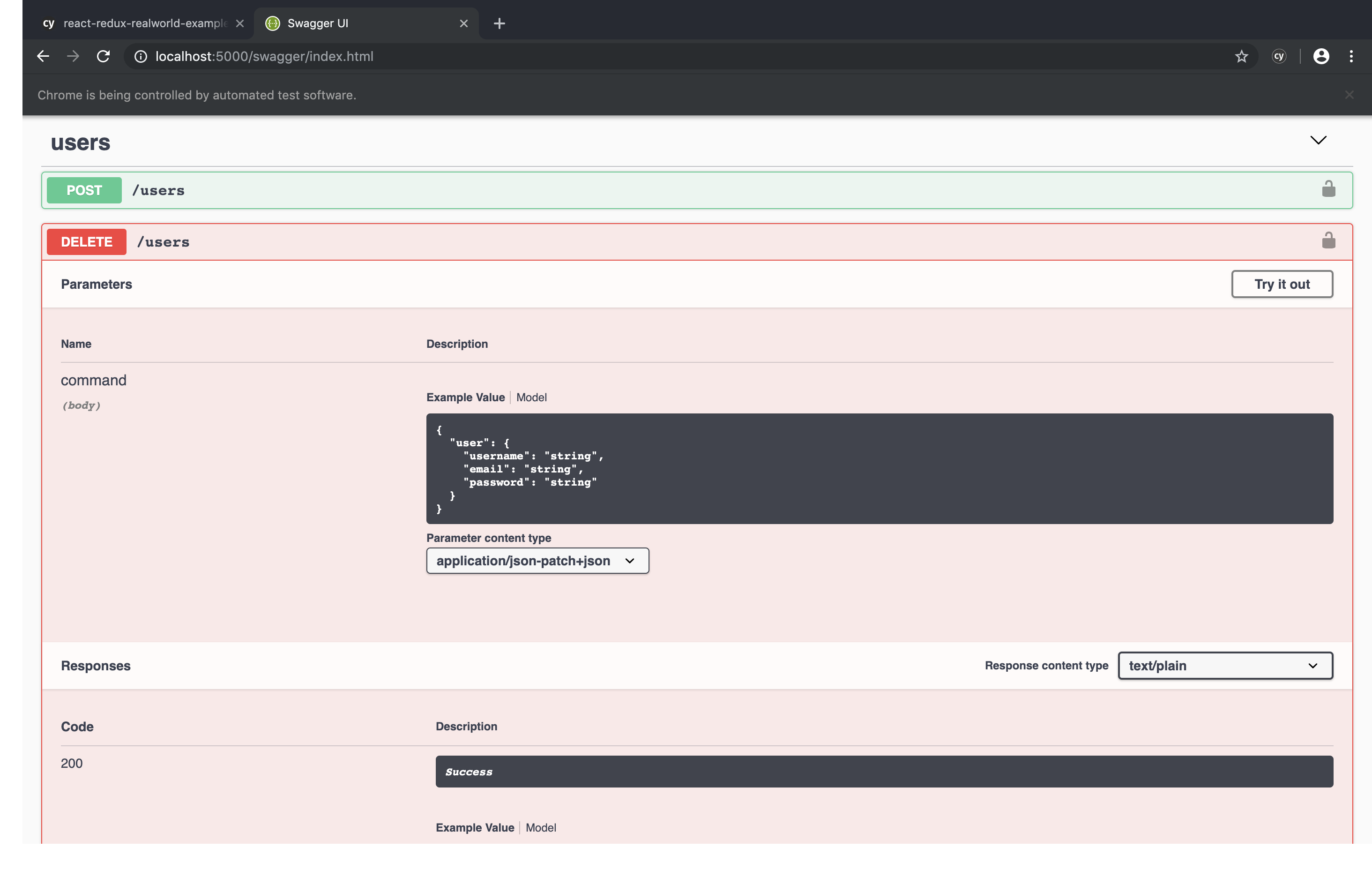
Swagger UI:
http://localhost:5000/swagger/index.htmlIf localhost surprises you, read Environment preparation.
API prerequisites
Cypress uses cy.request. Playwright Test exposes a dedicated request fixture - an HTTP client perfect for seeding data before browser steps.
Delete-before-create avoids the duplicate-user 400 you saw in the Cypress write-up:
import { test, expect, APIRequestContext } from "@playwright/test"

const API = "http://localhost:5000"

const userBody = {
  user: {
    username: "test",
    email: "test@test.com",
    password: "test",
  },
}

async function ensureUserAbsent(request: APIRequestContext) {
  const res = await request.delete(`${API}/users`, { data: userBody })
  expect([200, 204, 404]).toContain(res.status())
}

async function createUser(request: APIRequestContext) {
  const res = await request.post(`${API}/users`, { data: userBody })
  expect(res.ok()).toBeTruthy()
}
If DELETE /users is missing, the situation matches the Cypress article: negotiate a test hook with the team, or add it yourself on a training fork. Backend branch with the endpoint:
https://github.com/12masta/aspnetcore-realworld-example-app/tree/cypress-2Pull request:
https://github.com/12masta/aspnetcore-realworld-example-app/pull/1/filesAfter Docker changes, rebuild the image (make build before make run), exactly as in the original series.
First test - successful login
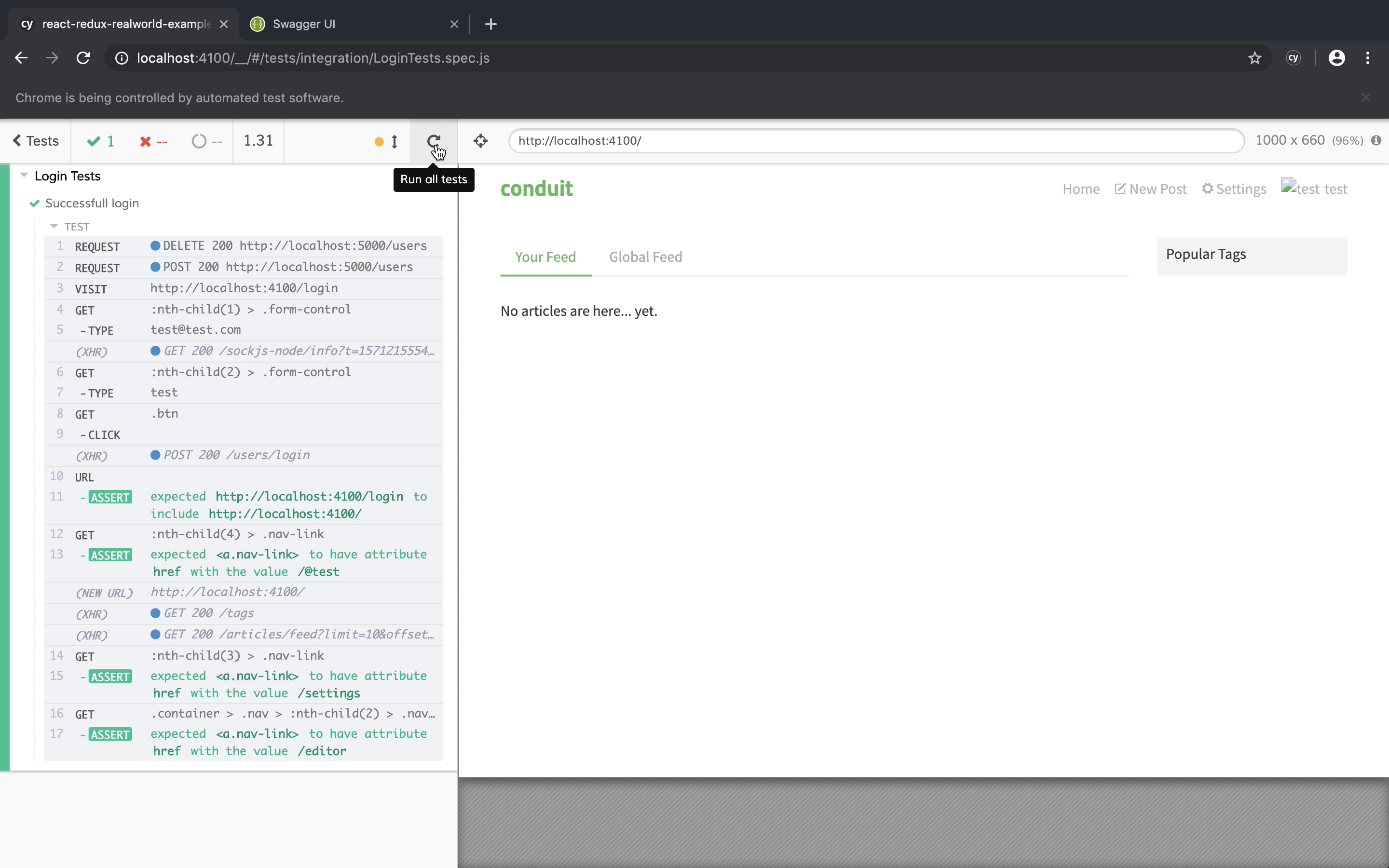
File tests/login.spec.ts. Selectors mirror the early Cypress posts on purpose (.form-control, .btn). For production, move to dedicated data-* hooks (Cypress best practices describe that pattern, often with data-cy in their examples). In Playwright the straightforward choice is data-testid with getByTestId, parallel to the Cypress selectors article.
test("successful login", async ({ page, request }) => {
  await ensureUserAbsent(request)
  await createUser(request)

  await page.goto("/login")
  await page.locator(".form-control").nth(0).fill("test@test.com")
  await page.locator(".form-control").nth(1).fill("test")
  await page.locator(".btn").click()

  await expect(page).toHaveURL(/localhost:4100\/$/)
  await expect(page.locator(":nth-child(4) > .nav-link")).toHaveAttribute("href", "/@test")
  await expect(page.locator(":nth-child(3) > .nav-link")).toHaveAttribute("href", "/settings")
  await expect(
    page.locator(".container > .nav > :nth-child(2) > .nav-link")
  ).toHaveAttribute("href", "/editor")
})
These navbar selectors are intentionally brittle - replace them with test hooks when you refactor.
Incorrect password
test("incorrect password", async ({ page, request }) => {
  await ensureUserAbsent(request)
  await createUser(request)

  await page.goto("/login")
  await page.locator(".form-control").nth(0).fill("test@test.com")
  await page.locator(".form-control").nth(1).fill("wrong-password")
  await page.locator(".btn").click()

  await expect(page).toHaveURL(/\/login/)
  await expect(page.locator(".error-messages > li")).toHaveText(
    "Error Invalid email / password."
  )
})
Not existing user
Skip createUser, only ensure the account is gone:
test("not existing user", async ({ page, request }) => {
  await ensureUserAbsent(request)

  await page.goto("/login")
  await page.locator(".form-control").nth(0).fill("test@test.com")
  await page.locator(".form-control").nth(1).fill("whatever")
  await page.locator(".btn").click()

  await expect(page).toHaveURL(/\/login/)
  await expect(page.locator(".error-messages > li")).toHaveText(
    "Error Invalid email / password."
  )
})
Empty fields
test("empty fields", async ({ page }) => {
  await page.goto("/login")
  await page.locator(".btn").click()

  await expect(page).toHaveURL(/\/login/)
  await expect(page.locator(".error-messages > :nth-child(1)")).toHaveText(
    "'Email' must not be empty."
  )
  await expect(page.locator(".error-messages > :nth-child(2)")).toHaveText(
    "'Password' must not be empty."
  )
})
On the RealWorld build from this blog series the API actually returned longer strings (User.Email …, User.Password …), so the assertion failed and surfaced a real wording bug. Adjust toHaveText, toContainText, or a regex to match whatever contract your product guarantees.

Summary
Keep every scenario in login.spec.ts with the helpers at the top of the file (or in a shared fixture module). The UI behaviour lines up with the Cypress branch:
https://github.com/12masta/react-redux-realworld-example-app/tree/2-cypress

https://github.com/12masta/react-redux-realworld-example-app/pull/2/files
Next in the Playwright series: Test refactoring - app actions vs Page Object Model.
The original Cypress track (unchanged): cypress-3 through cypress-9.