Introduction
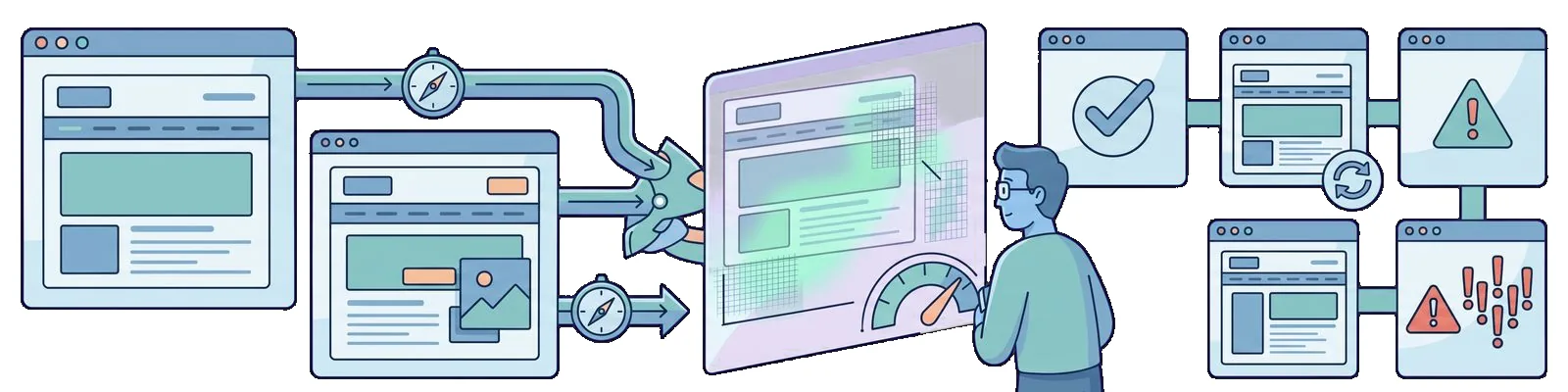
The Cypress visual post wired up cypress-image-snapshot. Playwright ships first-party screenshot assertions: expect(page).toHaveScreenshot() and expect(locator).toHaveScreenshot().
Previous post: Cross-browser testing.
First baseline
import { test, expect } from "@playwright/test"

test("home after login", async ({ page }) => {
  // seed + login steps from earlier articles
  await page.goto("/login")
  // ...
  await expect(page).toHaveScreenshot({ fullPage: true })
})
The first run stores golden images next to your tests (*-snapshots/ by default). Later runs diff pixels; failures drop artifacts under test-results/.
Component-level shots
await expect(page.getByTestId("sign-in-button")).toHaveScreenshot()Use this when the full page is too noisy (animations, third-party widgets).
Refreshing baselines
After an intentional UI change:
npx playwright test --update-snapshotsSame workflow as Cypress’s updateSnapshots - review and commit PNGs deliberately.
Thresholds
Tune flakiness from fonts or GPU differences:
await expect(page).toHaveScreenshot({ maxDiffPixels: 100 })Or set defaults through expect in playwright.config.ts.
Reference imagery
The Cypress article’s diff screenshots still illustrate the idea; only the API differs.

Git (Cypress era)
https://github.com/12masta/react-redux-realworld-example-app/tree/7-cypress

https://github.com/12masta/react-redux-realworld-example-app/pull/9/files